
⚙️ Beginner Automation Guide 2026 — Your First Step Into a Smarter, Faster Life
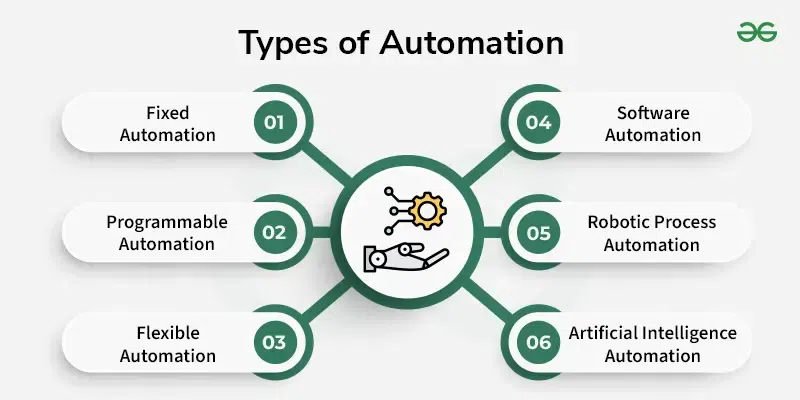


Welcome to the Beginner Automation Guide (2026 Edition) — a complete, global-friendly introduction to the world of automation.
Whether you’re a student, creator, employee, entrepreneur, or absolute beginner, automation can help you:
-
Save time
-
Remove boring repetitive tasks
-
Increase productivity
-
Reduce errors
-
Improve workflows
-
Build smarter systems
-
Focus on high-value work
Automation isn’t “tech for experts” anymore — in 2026, it’s an essential life skill.https://velimoza.com/everyday-tasks-you-can-automate-2026/
⭐ What Is Automation? (Simple Explanation for Beginners)

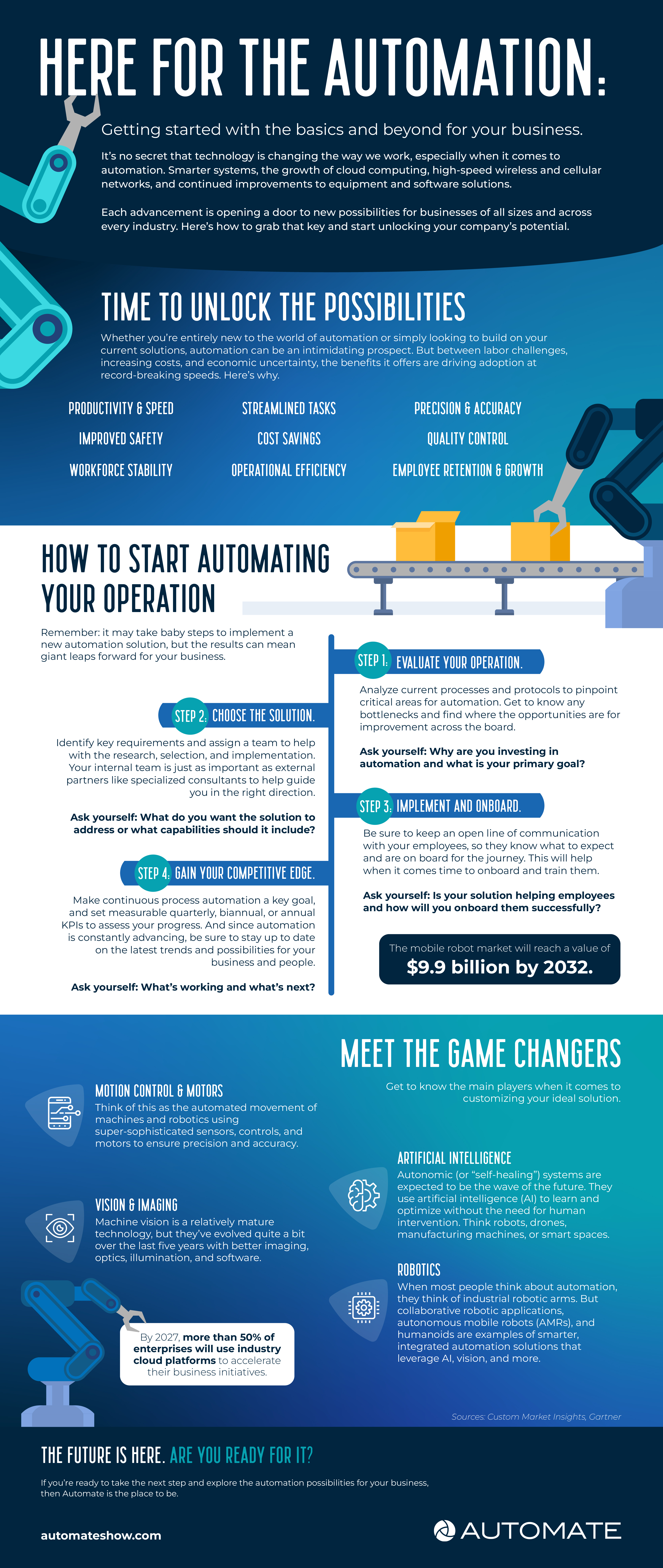
Automation means letting technology do repetitive tasks for you — automatically, without manual effort.
✔ Simple Examples:
-
Automatic email replies
-
Auto-saving documents
-
Scheduling social media posts
-
Auto-generating reports
-
Automatic reminders
-
Smart home routines (lights, AC, music)
-
Auto-fill forms
Automation = Do more with less effort.
⭐ Why Everyone Should Learn Automation in 2026

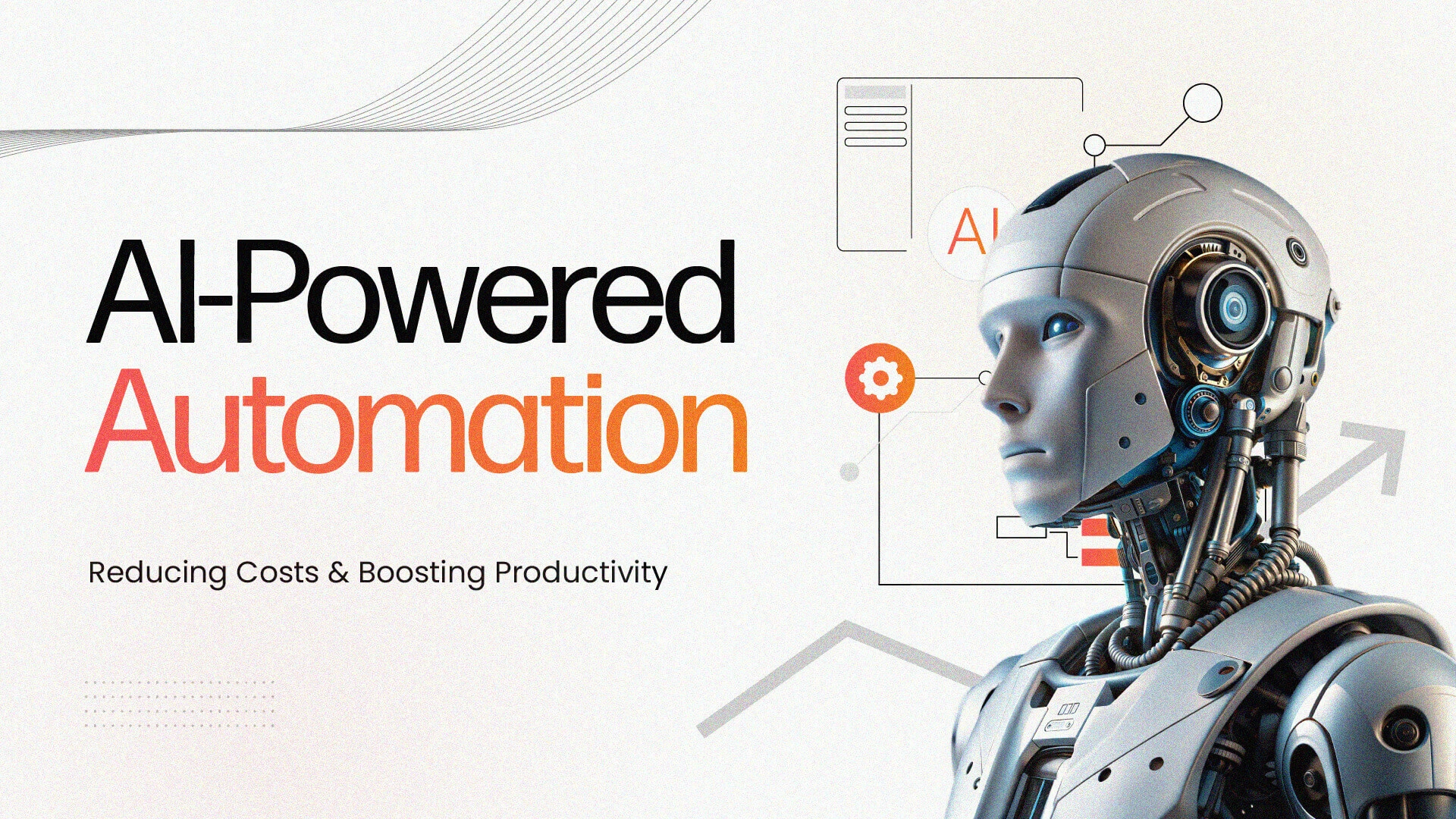
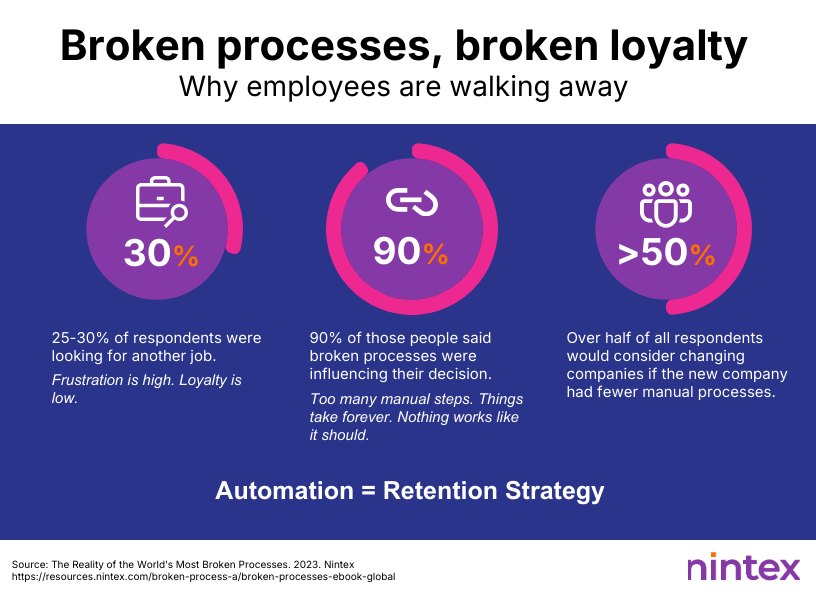
Automation is no longer just a business trend — it’s becoming a personal productivity superpower.
⭐ Benefits for Everyone:
-
Saves hours weekly
-
Reduces stress
-
Prevents mistakes
-
Improves consistency
-
Makes workflows faster
-
Boosts creativity
-
Helps focus on important tasks
⭐ Automation Is Not About Coding
Today, there are no-code tools that allow beginners to automate tasks using drag-and-drop systems.
Anyone can learn it.
⭐ Where Beginners Should Start With Automation

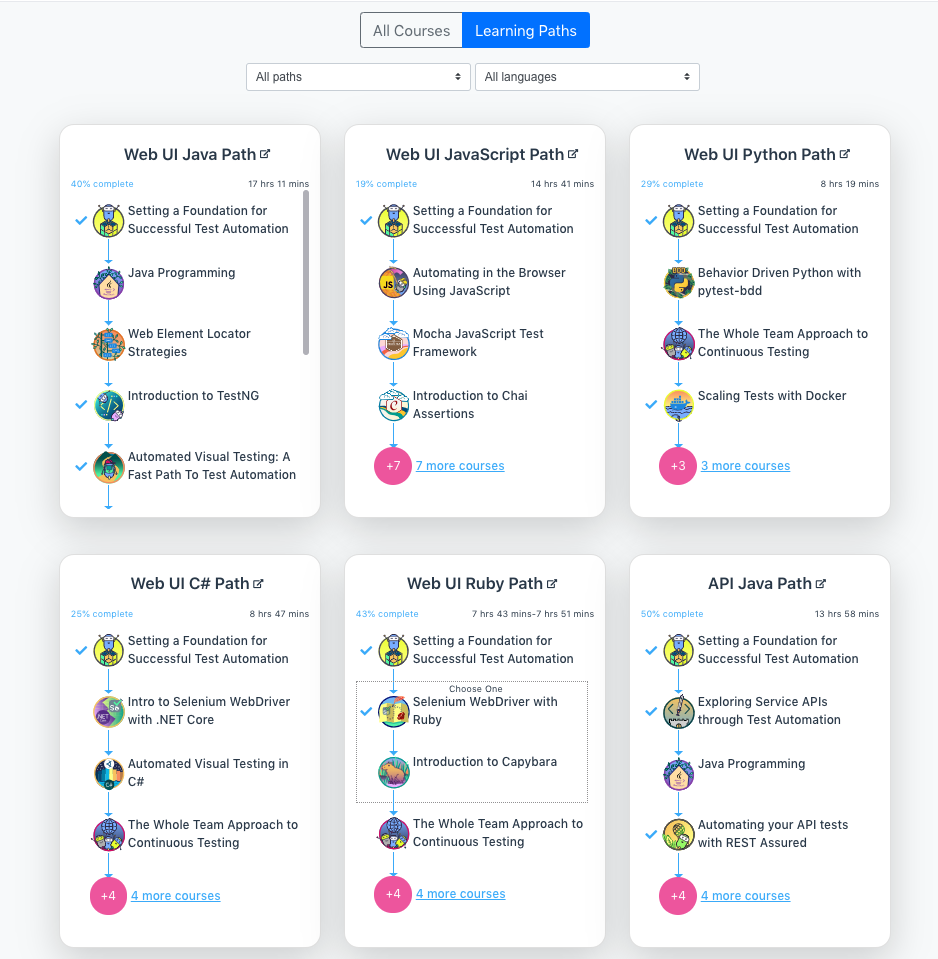
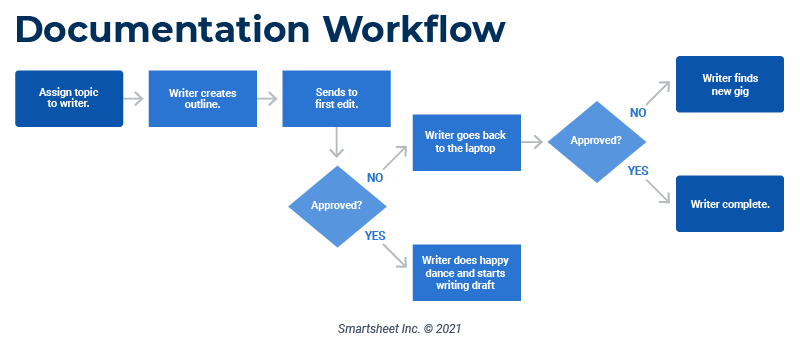
Automation becomes easy when you know the right starting point.
Here are the simplest first steps:
⭐ 1. Identify Repetitive Tasks
Ask yourself:
-
What tasks do you repeat daily?
-
What wastes your time?
-
What can be done automatically?
Examples:
-
Sending the same email
-
Downloading attachments
-
Organizing files
-
Copy-pasting data
-
Scheduling meetings
⭐ 2. Start With No-Code Automation Tools
You don’t need programming knowledge — tools like:
-
Zapier
-
Make (formerly Integromat)
-
IFTTT
-
Notion AI
-
Trello Automations
-
Google Workspace Automations
Let you automate things with simple rules.
⭐ 3. Build Small Simple Automations First
Start with:
-
Auto-save email attachments to Google Drive
-
Daily reminders for tasks
-
Auto-post tweets from Google Sheets
-
Auto-generate meeting notes
Small automations give big confidence.
⭐ Types of Automations Beginners Can Use (2026)

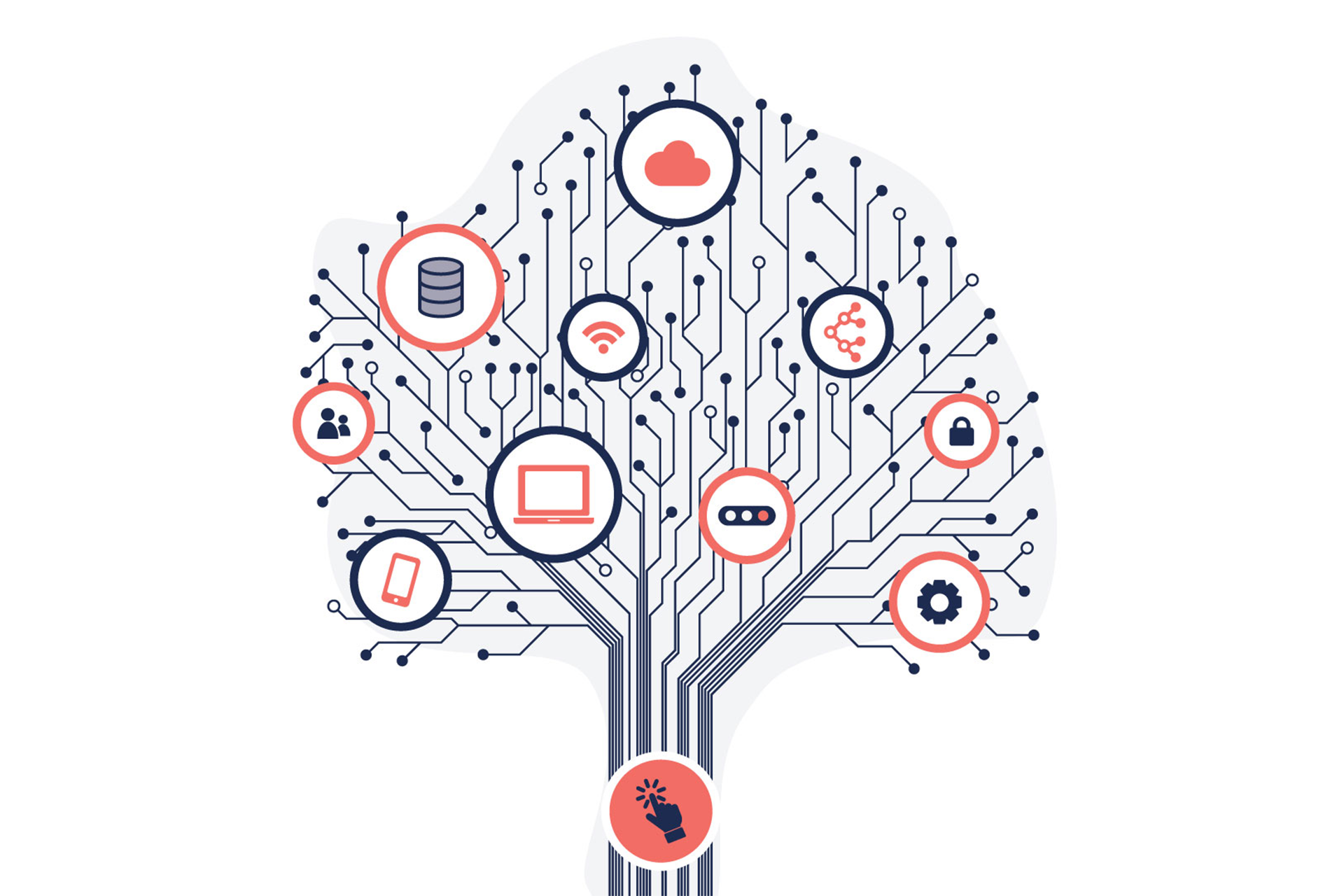
There are 5 categories of automation every beginner should know:
🔵 1. Personal Productivity Automation
Examples:
-
Daily planners auto-updated
-
Habit tracking
-
Calendar syncing
-
Task reminders
Perfect for students, employees, creators.
🔵 2. Work/Office Automation
Examples:
-
Auto-email responses
-
Auto-updating spreadsheets
-
Automatically moving files
-
Creating reports using templates
Best for corporate professionals.
🔵 3. Social Media Automation
Examples:
-
Scheduling posts
-
Auto-creating captions
-
Auto-posting on multiple platforms
Ideal for creators & businesses.
🔵 4. Home Automation (Smart Life)
Examples:
-
Lights turn on automatically
-
AC adjusts temperature
-
Alexa/Google routines
-
Smart security systems
Great for daily convenience.
🔵 5. AI-Based Automation (The Biggest Shift of 2026)
Examples:
-
ChatGPT writing your emails automatically
-
Gemini analyzing your tasks
-
Claude sorting your documents
-
AI agents handling workflows
AI automation is the future — and it’s here now.
⭐ Perfect Beginner Automation Examples (Easy & Practical)
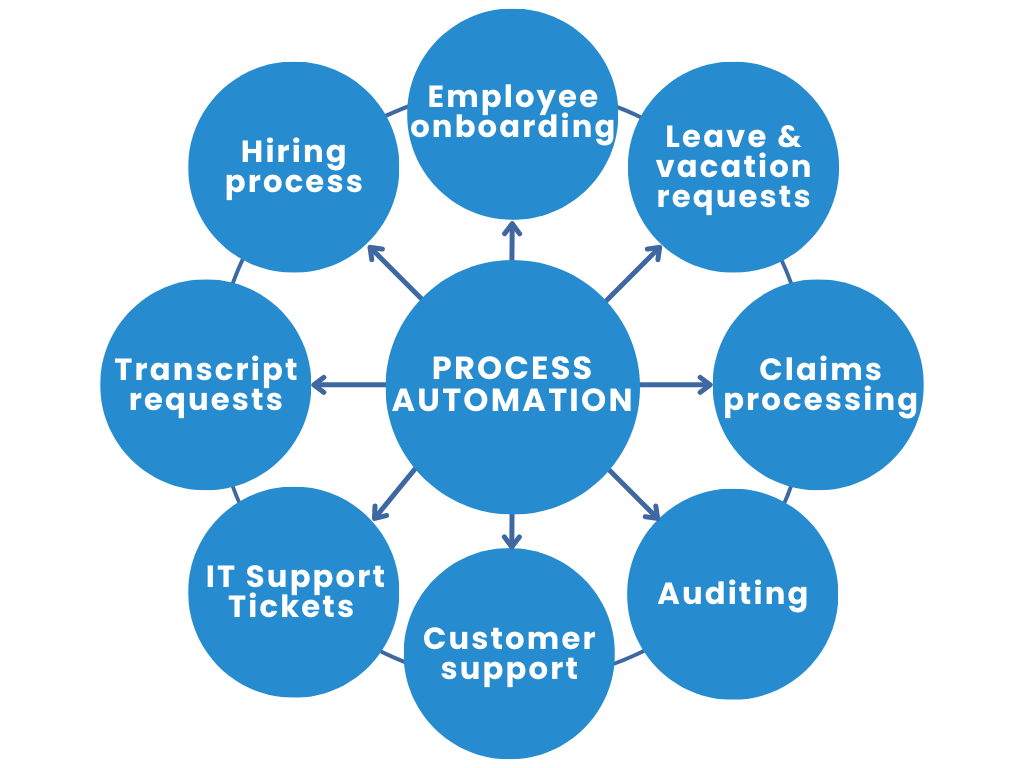


Here are simple automations every beginner can create today:https://velimoza.com/everyday-tasks-you-can-automate-2026/
✔ Auto-organize your files
New PDFs → automatically move to “Important Documents”
✔ Auto-send birthday wishes
Google Calendar + Gmail automation
✔ Auto-create meeting notes
Use Otter AI + Google Docs
✔ Auto-post on social media
Schedule content once → publish all week
✔ Auto-track spending
Bank alerts → Google Sheet → Monthly summary
✔ Auto-backup your phone photos
Google Photos automation
⭐ Tools You’ll Learn in This Series (Beginner Friendly)
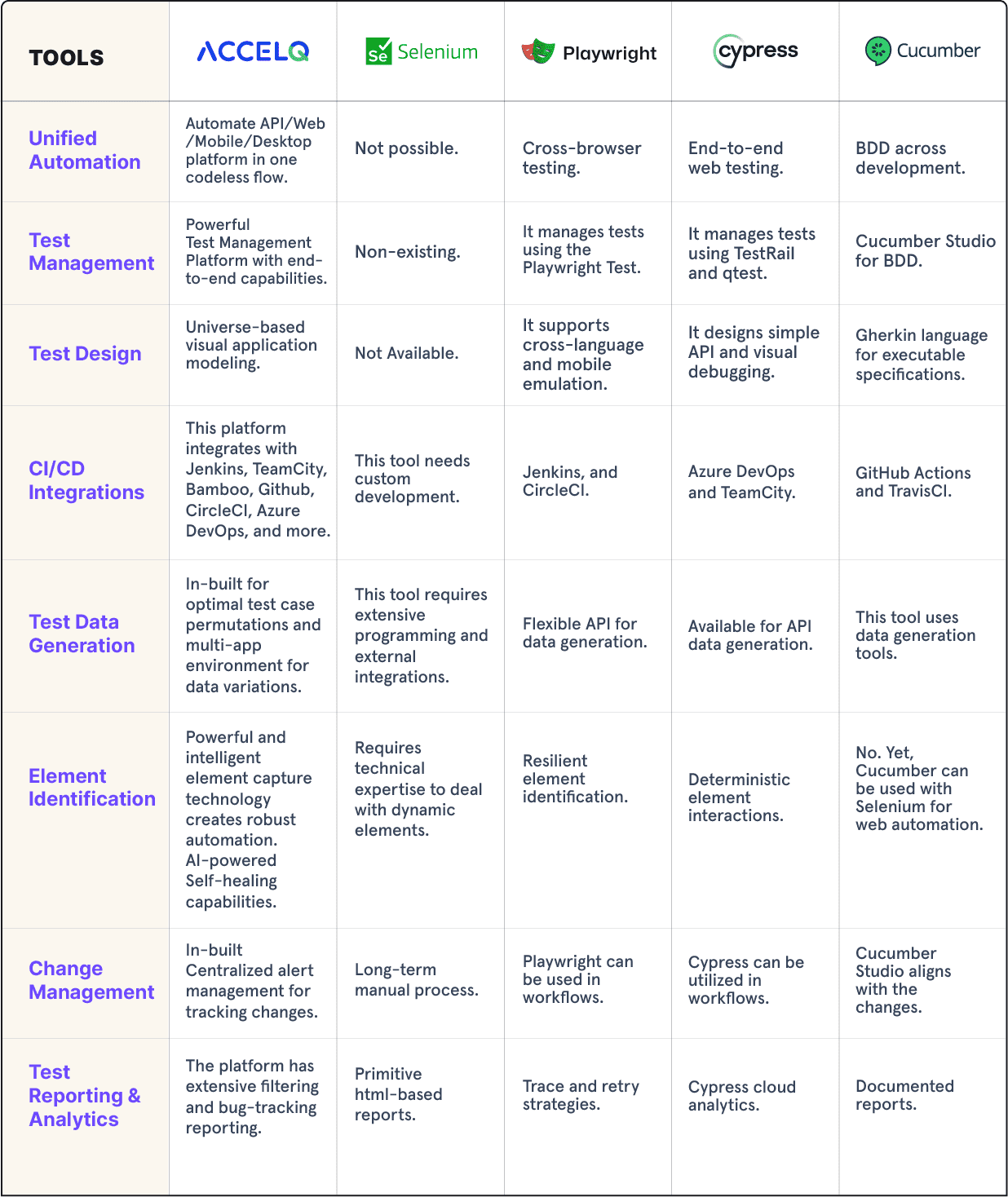
This guide will teach you how to use:
🔧 Zapier
Best for workflow automation
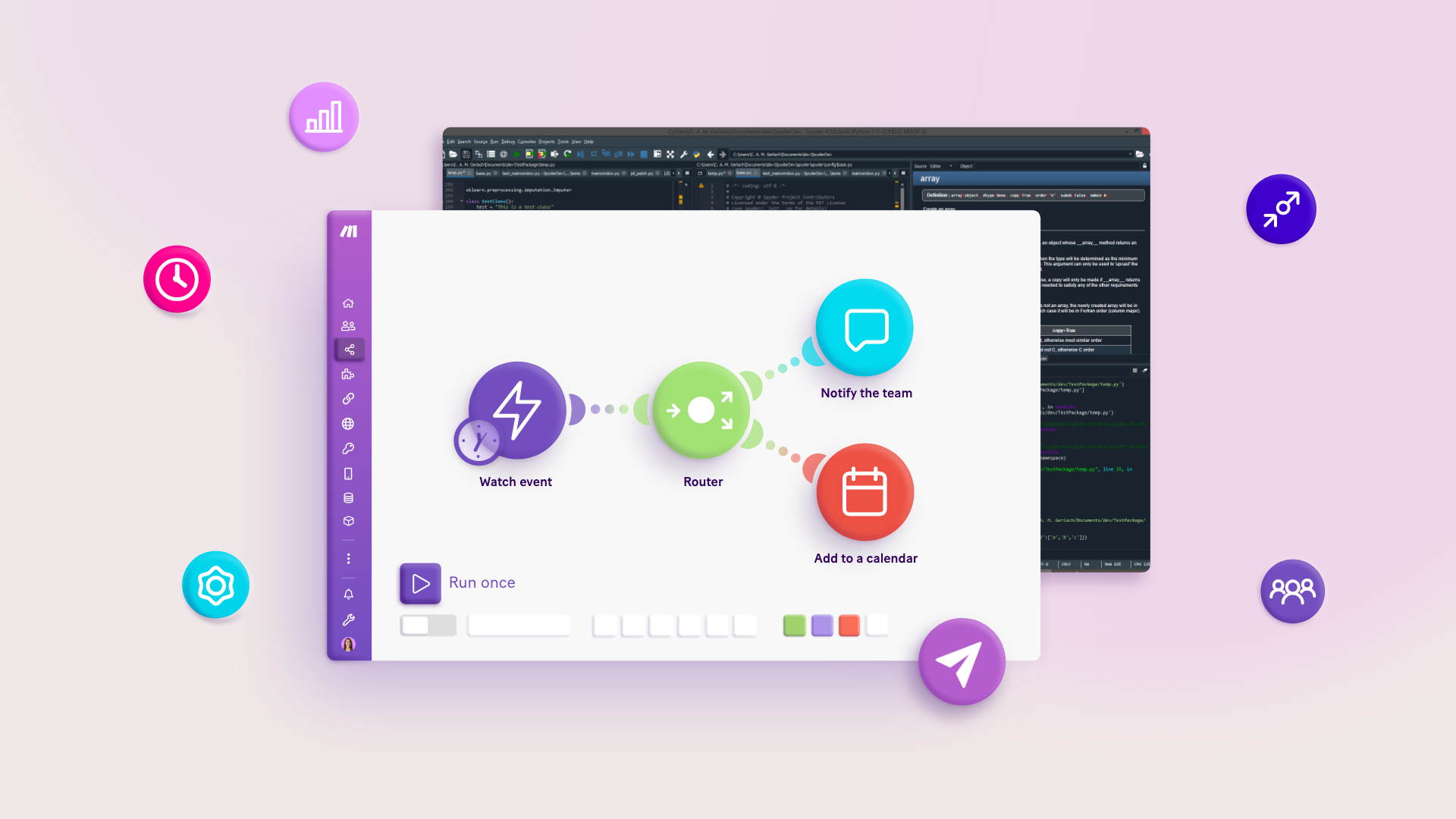
🔧 Make (Integromat)
Best for visual no-code automation
🔧 IFTTT
Best for personal automation
🔧 Notion AI Automations
Perfect for students & creators
🔧 Trello & Asana Automations
Great for teams
🔧 Google Workspace Automation
Emails + Sheets + Docs + Drive
🔧 AI Automation Tools
ChatGPT, Gemini, Claude, etc.
⭐ How to Build Your First Automation (Beginner-Friendly, Step-by-Step)
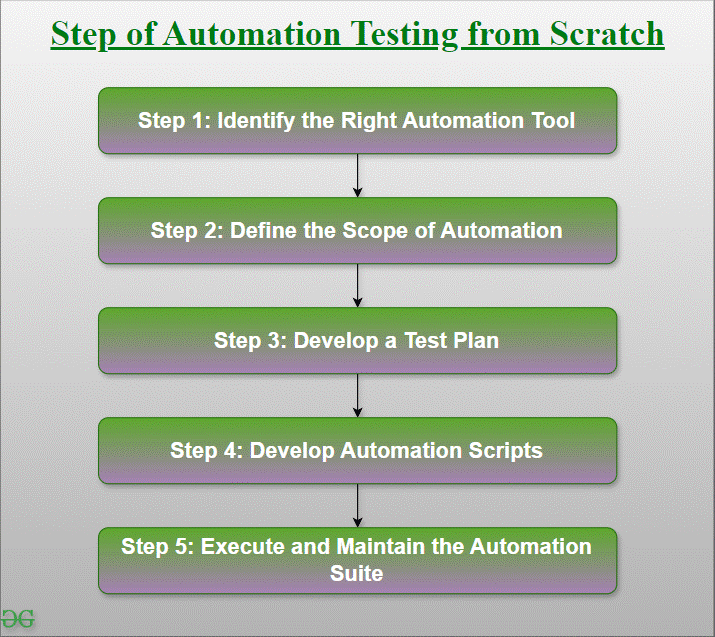
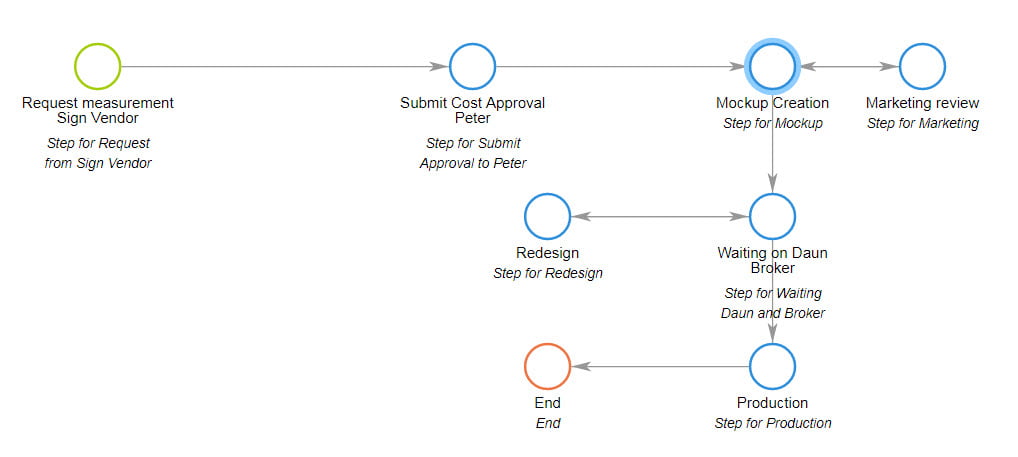
Creating your first automation may sound technical, but it’s actually very simple.
This part gives you the exact step-by-step blueprint to start automating your daily tasks — even if you’ve never done it before.
⭐ STEP 1 — Choose One Task to Automate (Start Small)


Pick a task you do repeatedly, such as:
-
Saving email attachments
-
Posting on social media
-
Organizing files
-
Sending reminders
-
Updating your calendar
-
Creating daily to-do lists
-
Copy-pasting data
✔ Start small.
A simple automation builds confidence faster.
⭐ STEP 2 — Choose a No-Code Automation Tool


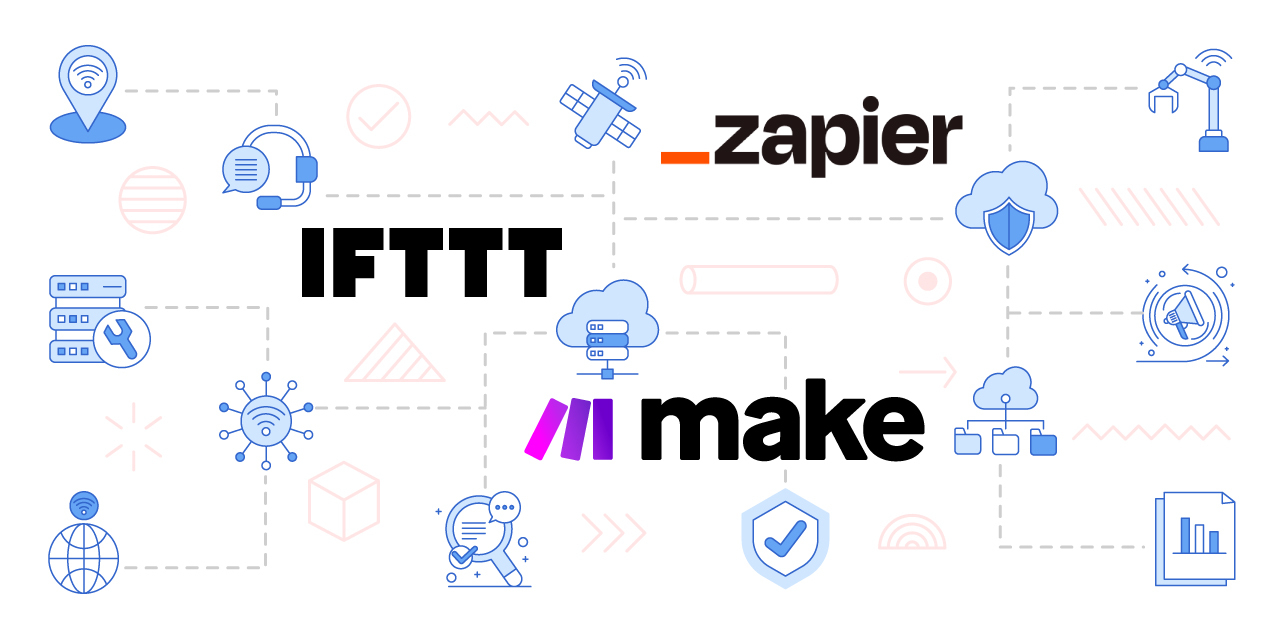
The best platforms for beginners:
⭐ Zapier
-
Best for business workflows
-
Connects 6,000+ apps
-
Simple interface
⭐ Make (Integromat)
-
Visual workflows
-
Great for creators
-
Powerful branching logic
⭐ IFTTT
-
Perfect for personal tasks
-
Simple applets
-
Smart home automation
Start with whichever looks the easiest to you.https://velimoza.com/gemini-ultra-vs-claude-3-5-sonnet-comparison/
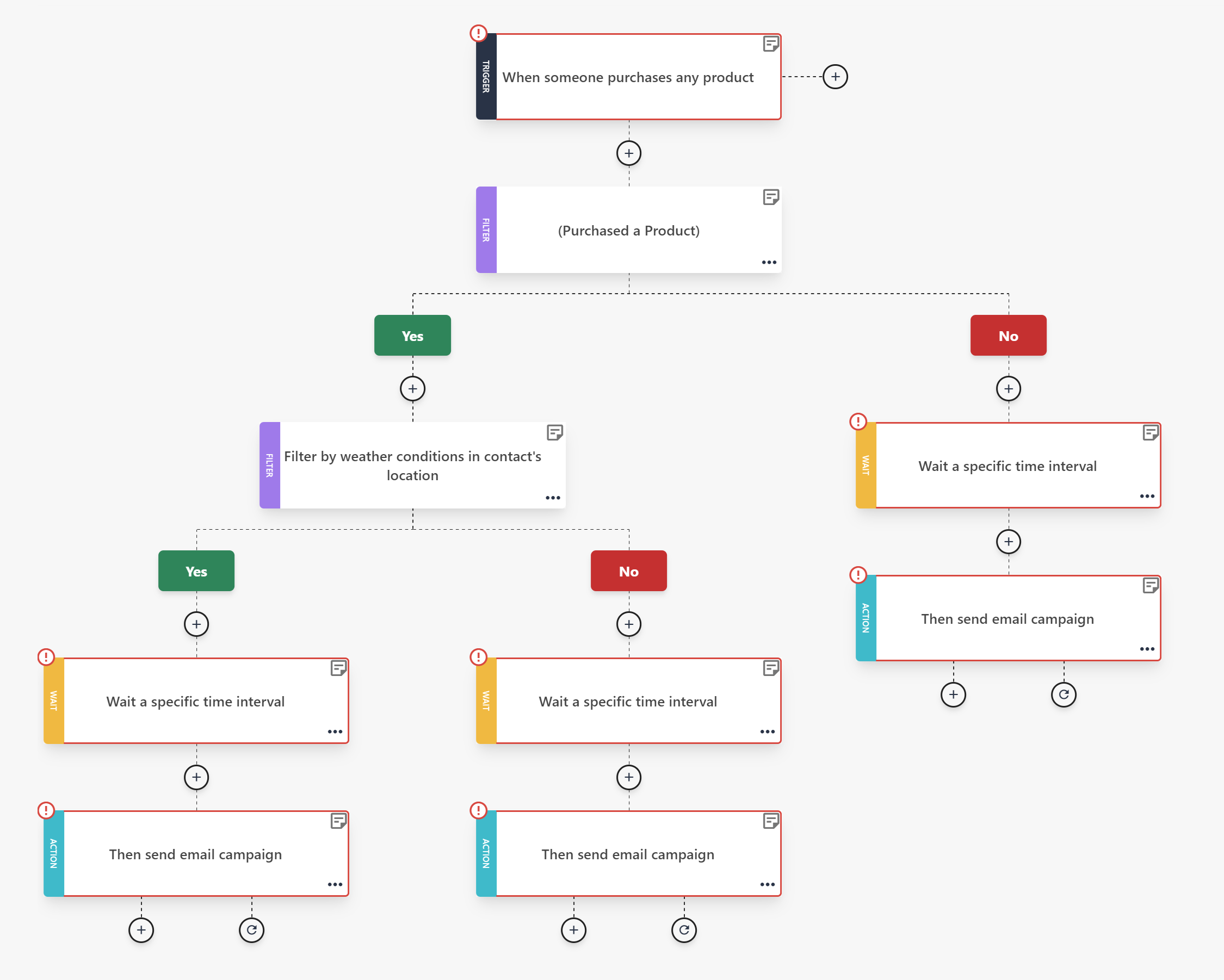
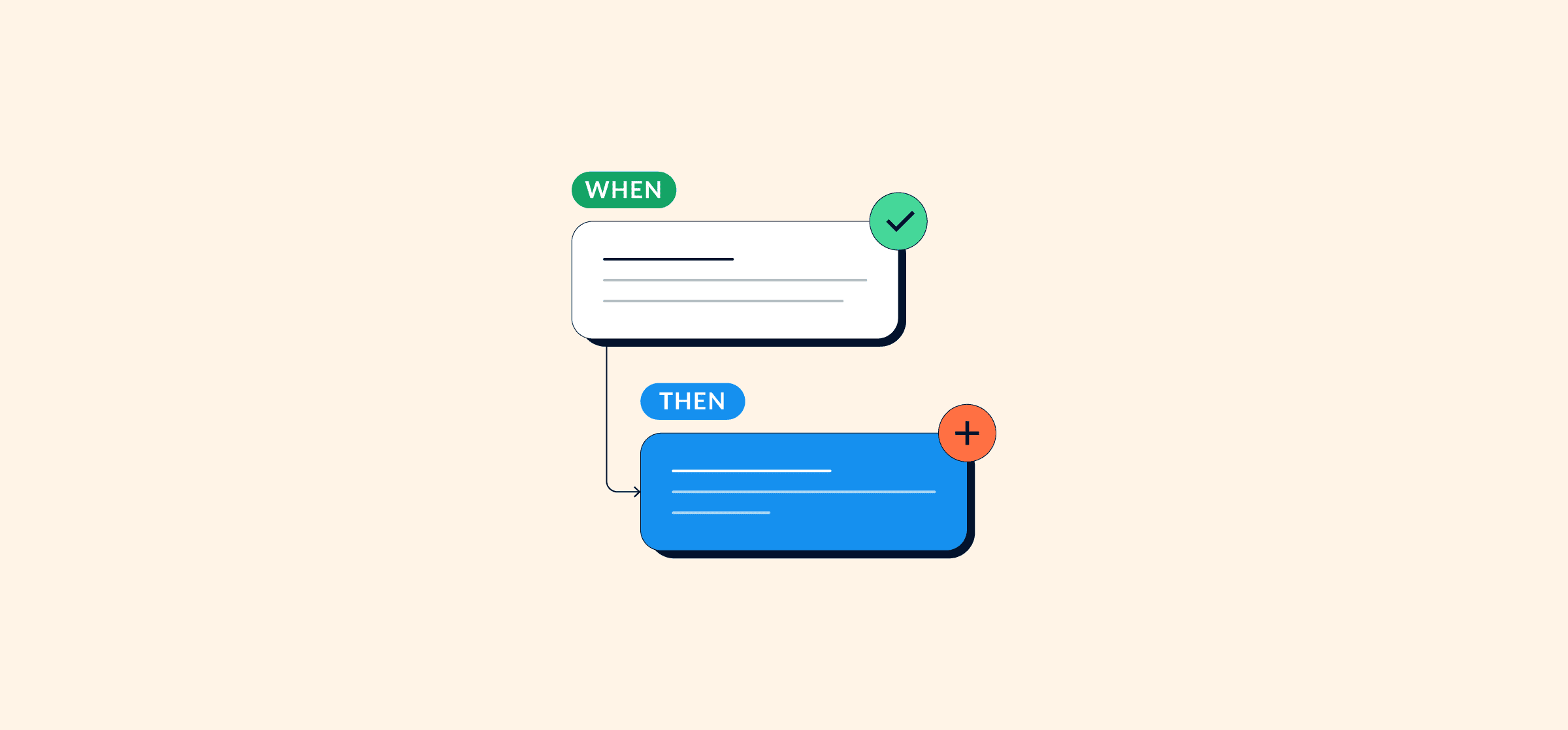
⭐ STEP 3 — Understand the “Trigger + Action” Rule
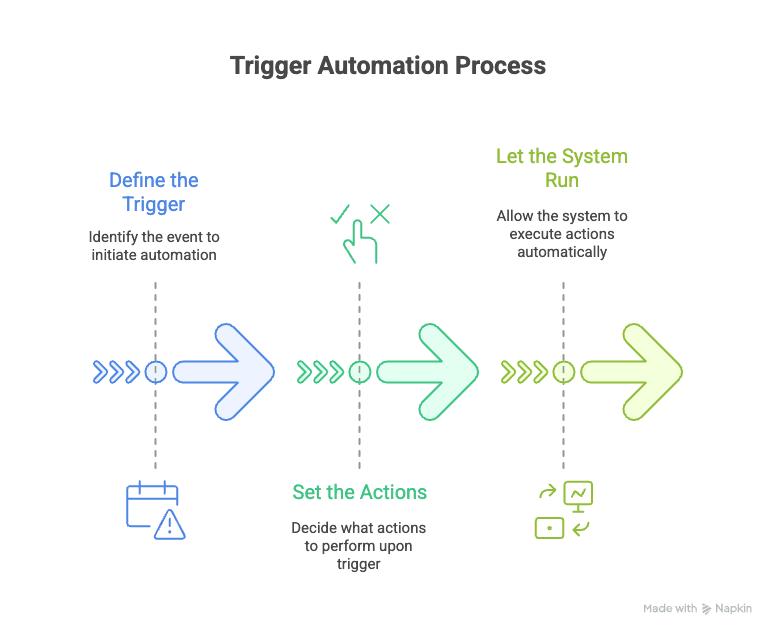
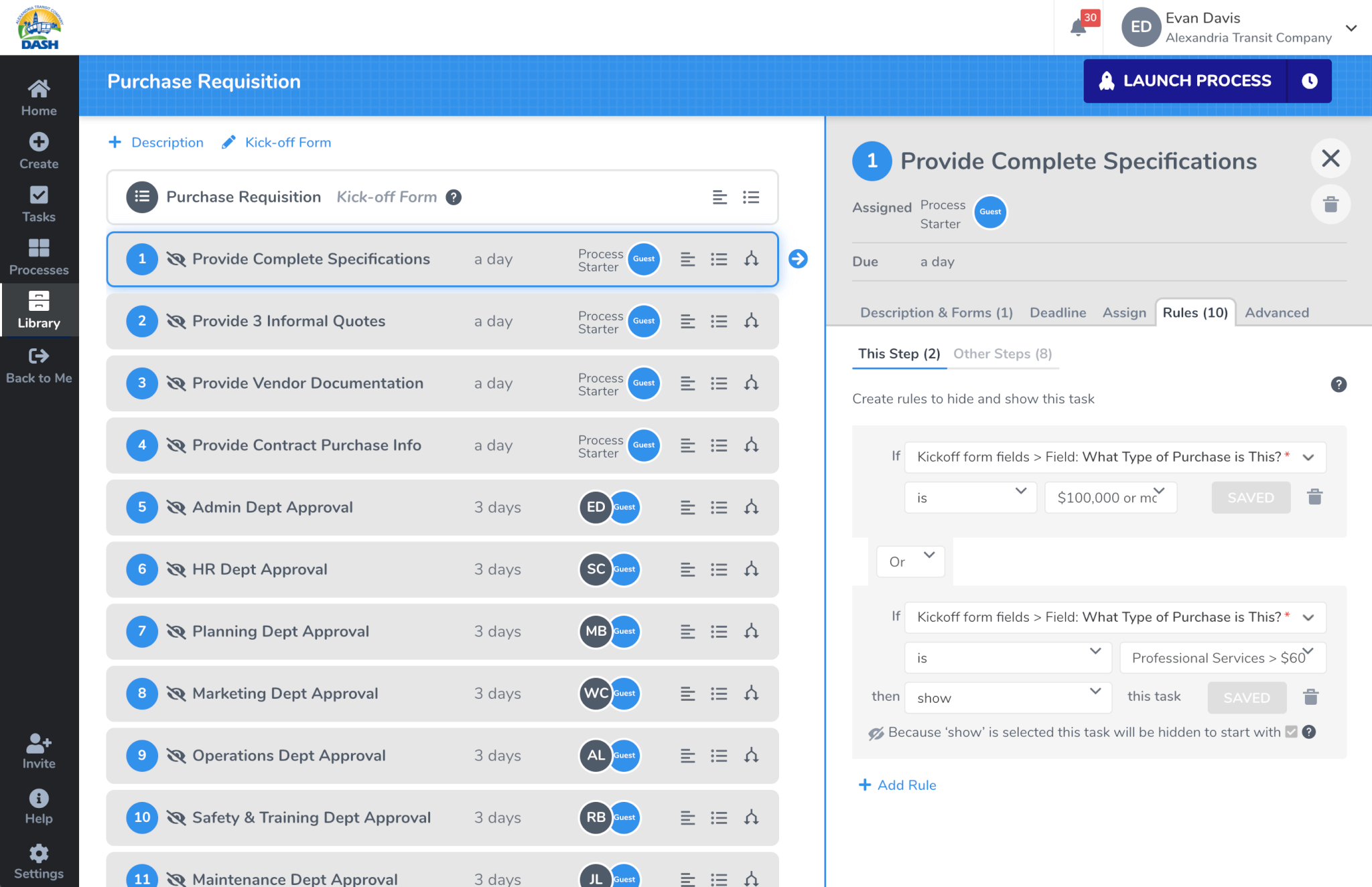
All automation works on one simple rule:
🔵 Trigger: When something happens
🔵 Action: Do this automatically
Example:
Trigger → “New email arrives with an attachment”
Action → “Save attachment to Google Drive”
This simple rule powers ALL automation systems.
⭐ STEP 4 — Build Your First Zap (Example: Auto-Save Email Attachments)


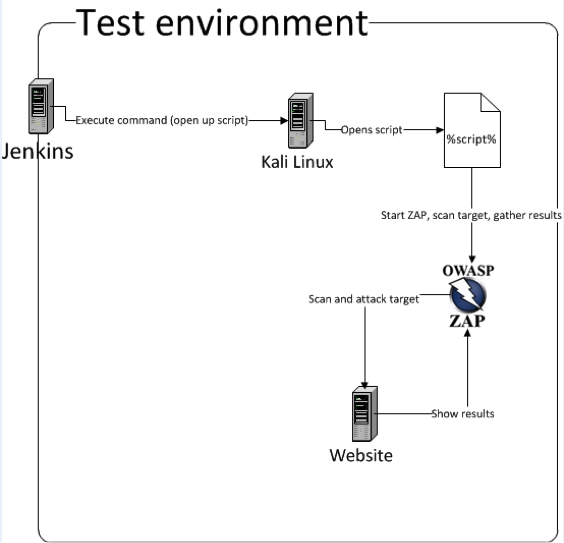
Here’s a perfect first automation for beginners:
✔ Use Zapier
✔ Goal: Save Gmail attachments automatically
✔ Time needed: 2 minutes
Steps:
-
Open Zapier
-
Create New Zap
-
Choose Trigger App → Gmail
-
Trigger Event → “New Email With Attachment”
-
Choose Action App → Google Drive
-
Action Event → “Upload File”
-
Select destination folder
-
Turn on automation
Now every attachment will be saved automatically — no manual work ever again.
⭐ STEP 5 — Automate Your Calendar

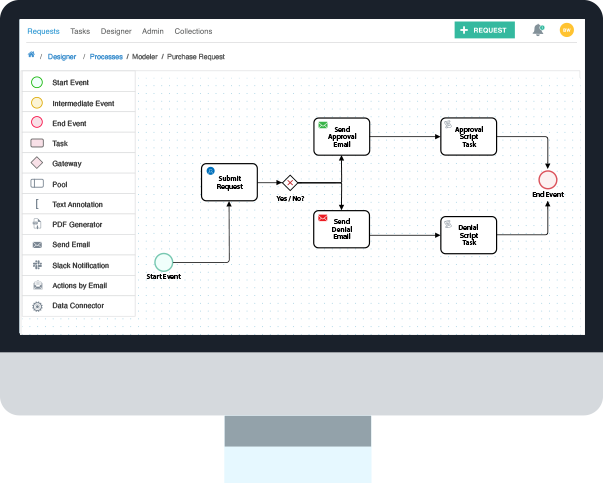

You can automate:
-
Meeting reminders
-
Daily agenda emails
-
Calendar syncing
-
Birthdays / important dates
-
Study plans
Tools:
-
Google Calendar
-
Zapier
-
Notion
-
Microsoft Power Automate
Automation keeps your day organized effortlessly.
⭐ STEP 6 — Automate Social Media Posting

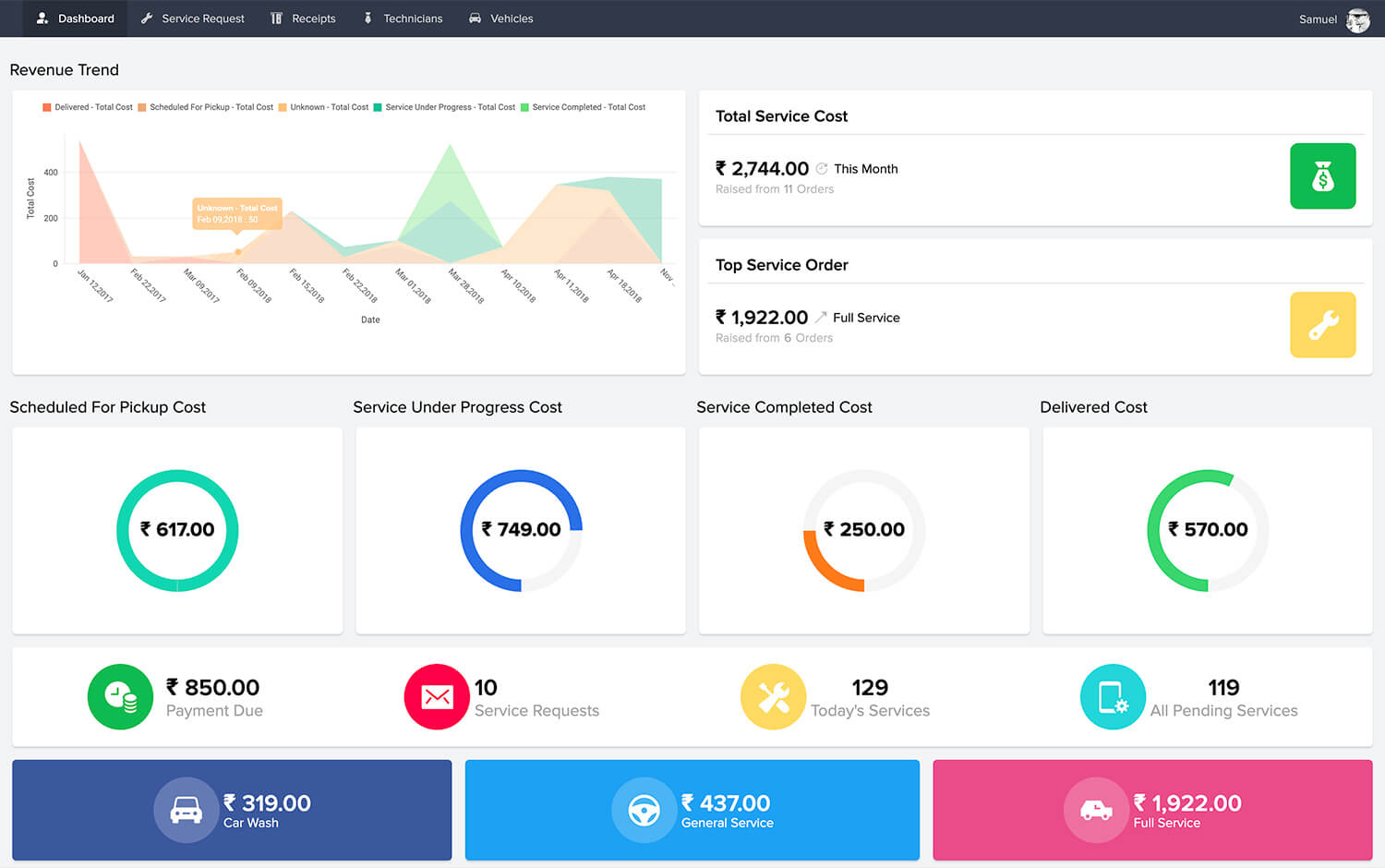
Creators and businesses save huge amounts of time by automating:
-
Posts
-
Captions
-
Thumbnails
-
Hashtag groups
-
Scheduling
Tools:
-
Buffer
-
Hootsuite
-
Publer
-
Zapier
-
Notion AI (for captions)
You can plan a week of content in 1 hour.
⭐ STEP 7 — Automate File & Document Organization

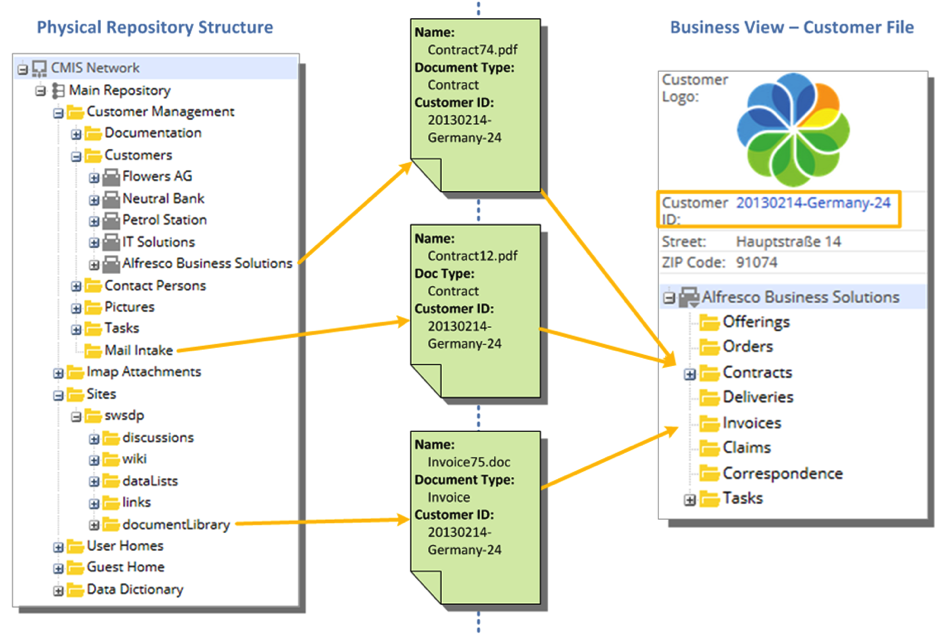
Beginner-friendly automations:
✔ Auto-move new files into correct folders
✔ Auto-backup photos
✔ Auto-convert documents to PDF
✔ Auto-tag files based on keywords
Tools:
-
Google Drive automation
-
Zapier
-
IFTTT
-
Dropbox rules
This keeps your entire digital life clean and organized.
⭐ STEP 8 — Automate Notes & To-Do Lists

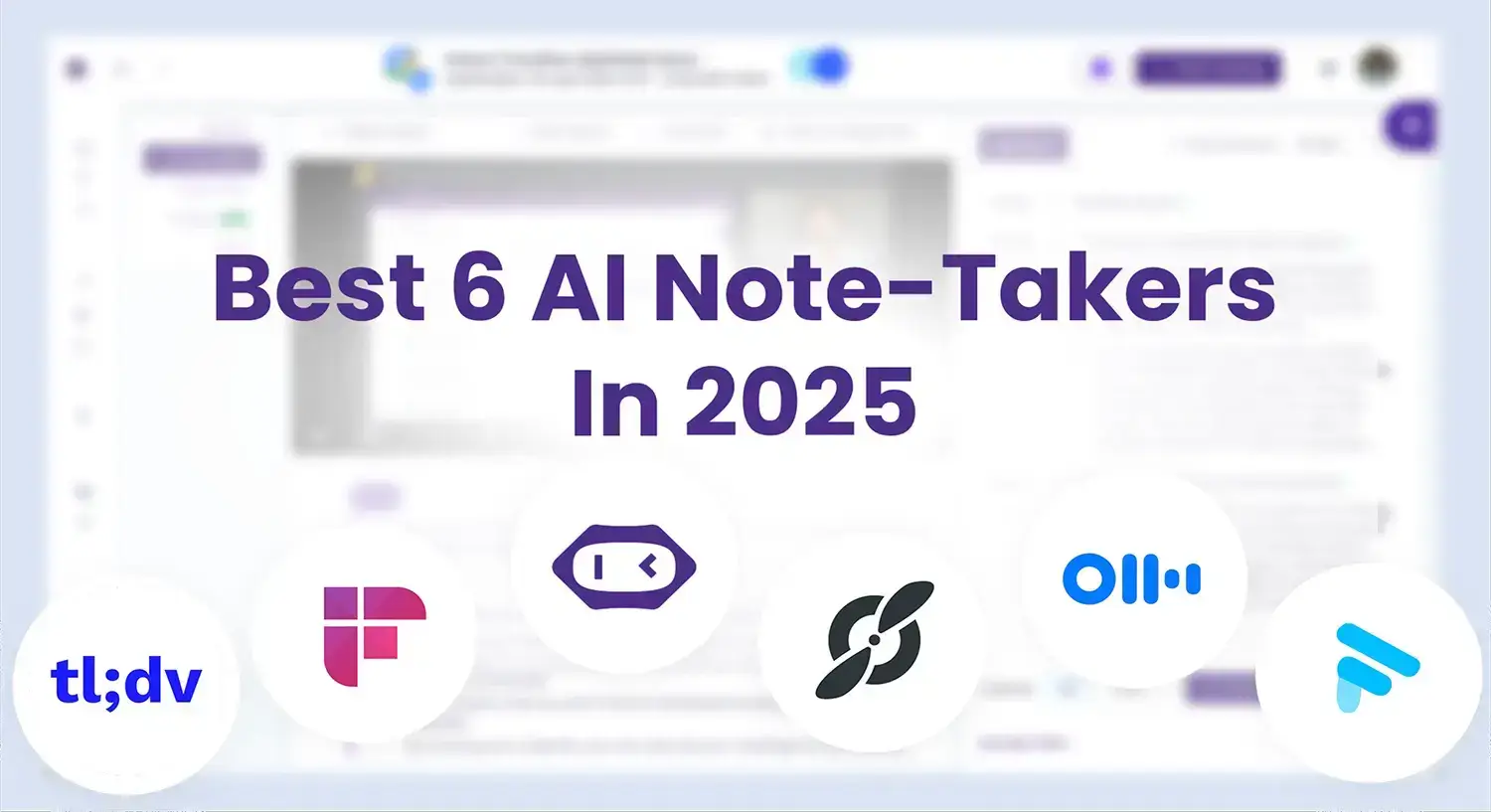
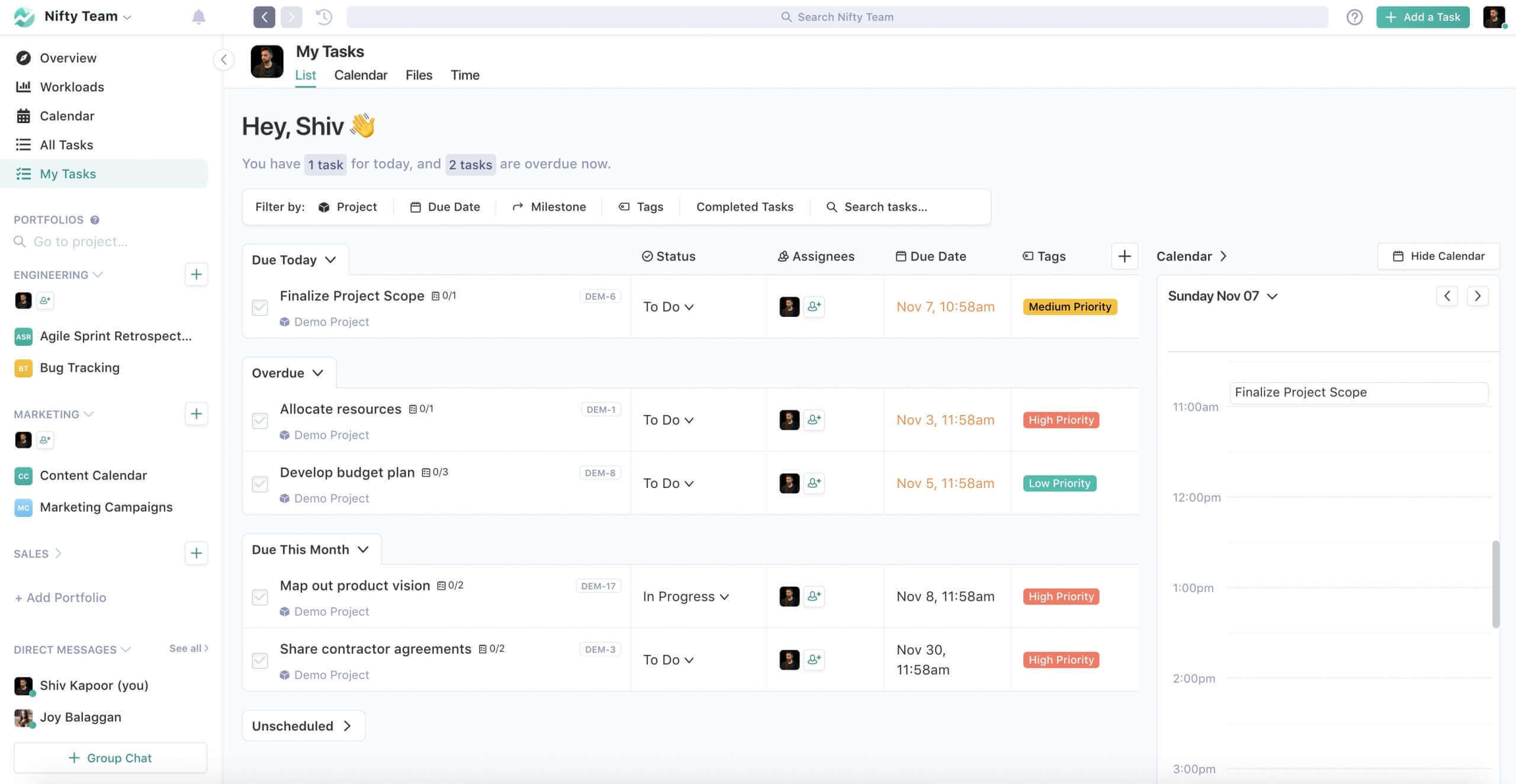
Notion AI + Zapier gives you:
-
Auto-generated daily notes
-
Auto-created tasks
-
Auto-synced reminders
-
Tracking habits automatically
Examples:
-
New email → Convert to task
-
New idea → Auto-add to notes
-
Meeting → Auto-generate summary
Your productivity becomes effortless.
⭐ Real Examples of Beginner Automations
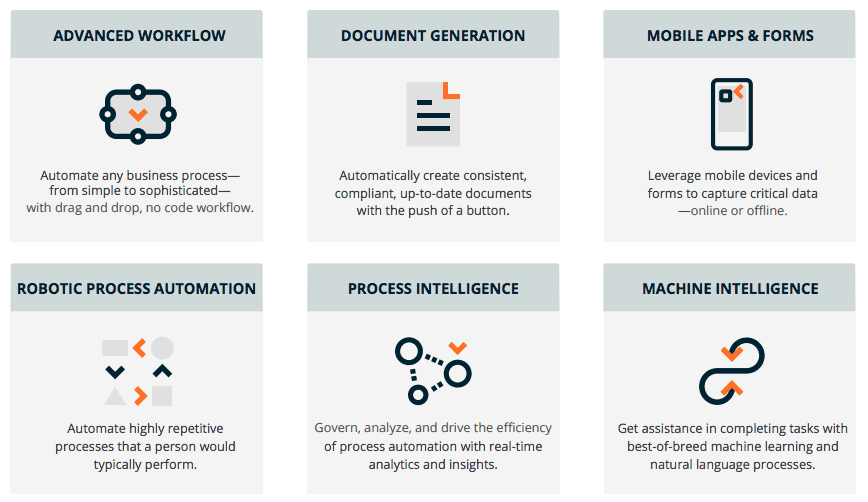

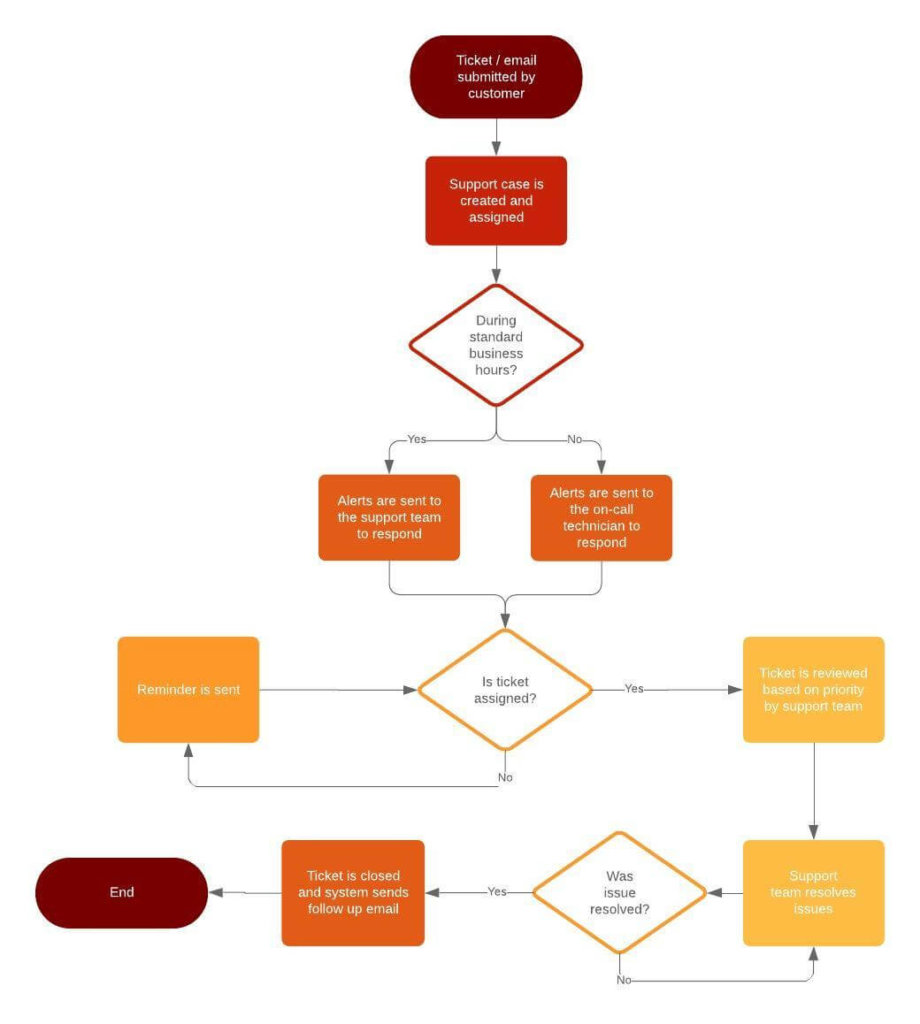
✔ Auto-send yourself a daily weather report
✔ Auto-generate invoices
✔ Auto-backup YouTube scripts
✔ Auto-get reminders for bills
✔ Auto-save tweets you like
✔ Auto-translate messages
✔ Auto-create folder structure for new projects
These tiny automations save hours every week.
⭐ Automation Mistakes Beginners Should Avoid


❗ Avoid making automation too complicated
Start simple.
❗ Don’t automate tasks you rarely do
Focus on daily routines.
❗ Don’t forget to test automation
Always test with sample data.
❗ Avoid using too many tools
Pick 1–2 and master them.
❗ Don’t rely on AI blindly
Monitor results, especially at the beginning.
⭐ AI-Powered Automation — The Future of Beginner Automation (2026)
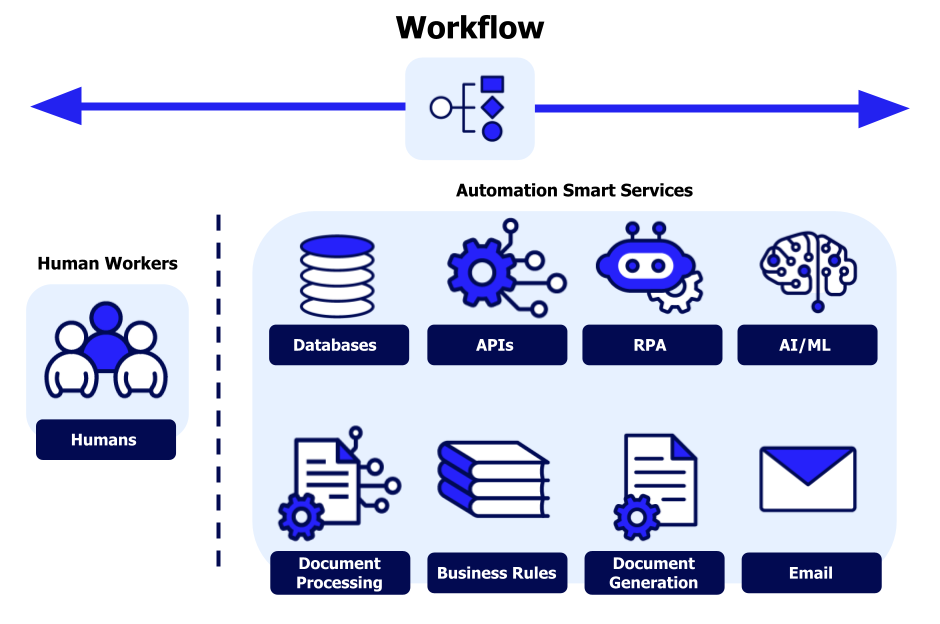

Automation becomes 10× more powerful when combined with AI tools like:
-
ChatGPT
-
Gemini
-
Claude
-
Notion AI
-
AutoGPT-style agents
-
Voice assistants (Alexa, Google Assistant)
AI doesn’t just “run tasks.”
It thinks, plans, predicts, and adapts — making automation smarter than ever.
⭐ How AI Automation Works (Beginner-Friendly Explanation)


AI automation follows 4 layers:
⭐ 1. Understanding
AI reads your instructions.
⭐ 2. Reasoning
AI figures out the best way to do it.
⭐ 3. Execution
AI completes the task automatically.
⭐ 4. Optimization
AI improves next time.
This means your automations get smarter the more you use them.
⭐ Beginner AI Automations You Can Set Up Today
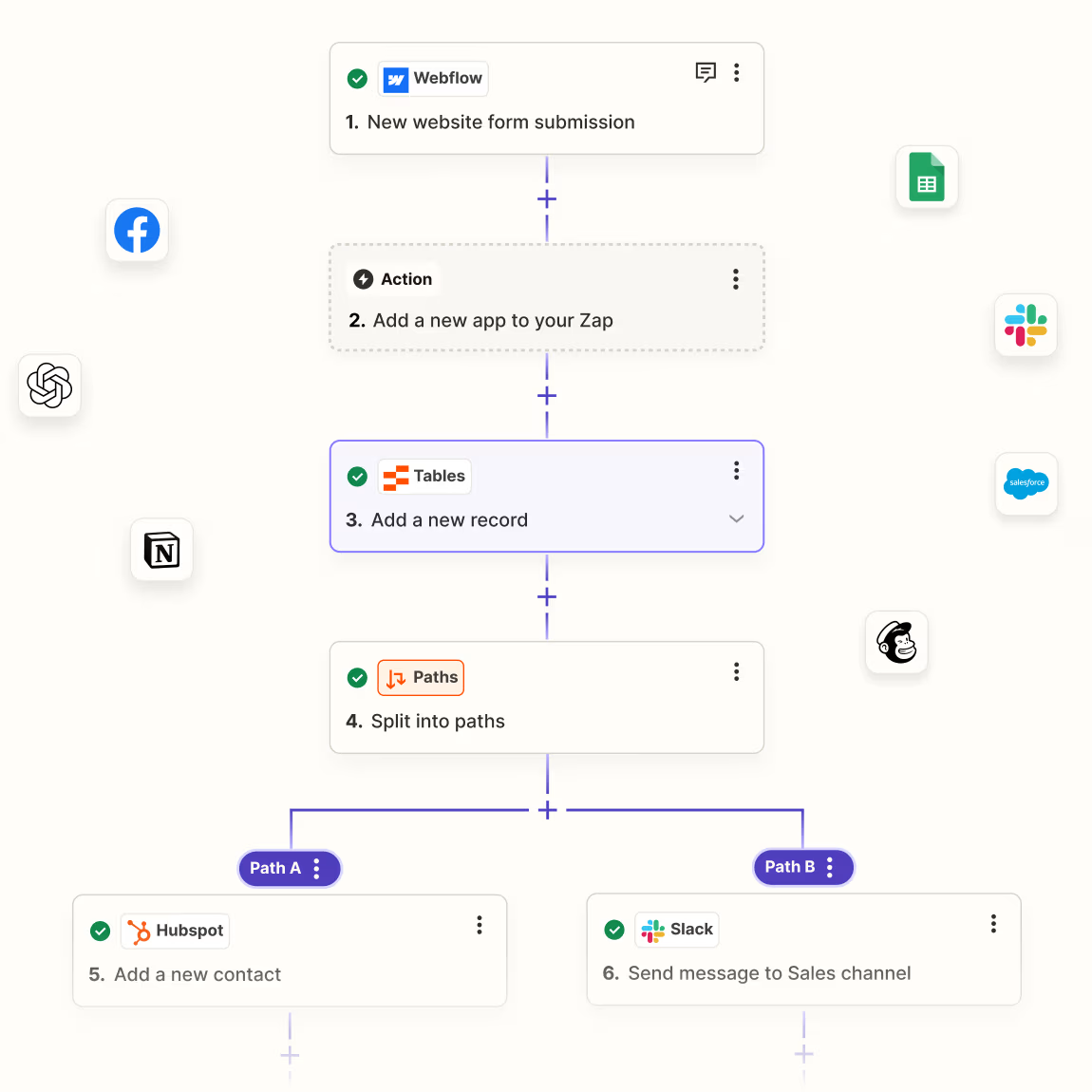

Here are simple AI-powered automations any beginner can build:
✔ Auto-write emails using ChatGPT
You can trigger automated email drafts before meetings.
✔ Auto-generate daily task lists
Gemini can scan your calendar + emails and produce a daily to-do list.
✔ Auto-summarize PDFs and research papers
Claude can read long documents and send you summaries automatically.
✔ Auto-create social media captions
Use ChatGPT + Notion AI to generate captions instantly.
✔ Auto-extract data from screenshots
Gemini can analyze screenshots → convert into text → save to Notion.
✔ Auto-generate notes after meetings
Otter AI + Google Docs produces instant summaries.
These AI tasks save hours every week.
⭐ Smart Home Automation for Beginners (2026 Essentials)


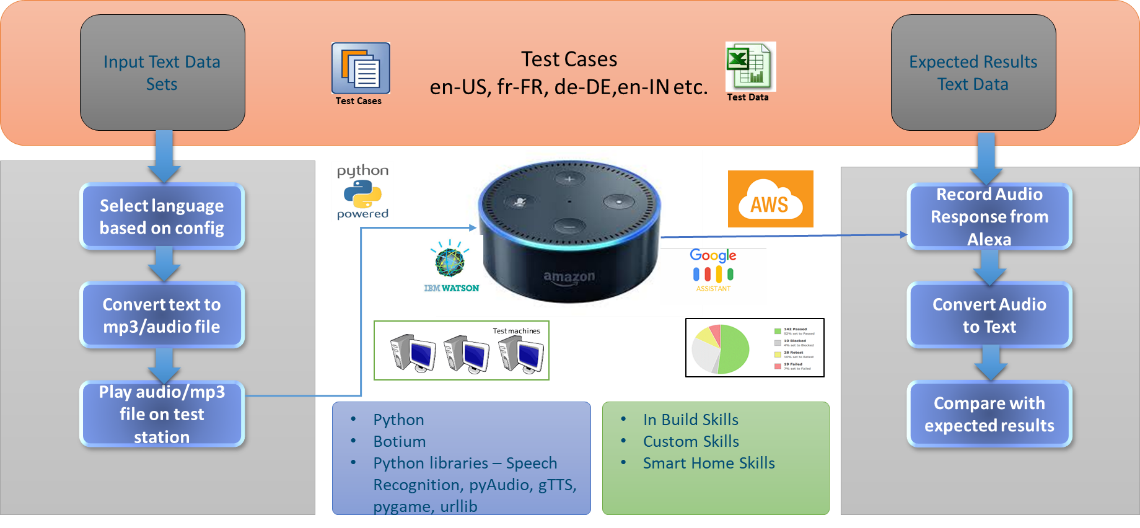
Even if you’re not tech-savvy, smart home automation is now extremely beginner-friendly.
✔ Tools Needed:
-
Alexa
-
Google Assistant
-
HomeKit
-
IFTTT
⭐ Smart Home Tasks You Can Automate:
-
Lights turn on at sunset
-
AC adjusts temperature automatically
-
Coffee starts brewing at a fixed time
-
Door locks auto-check status
-
Motion-based lights
-
Auto reminder when someone rings the doorbell
Smart home automation boosts comfort + security + efficiency.
⭐ Automation For Work & Business (Beginner Level)
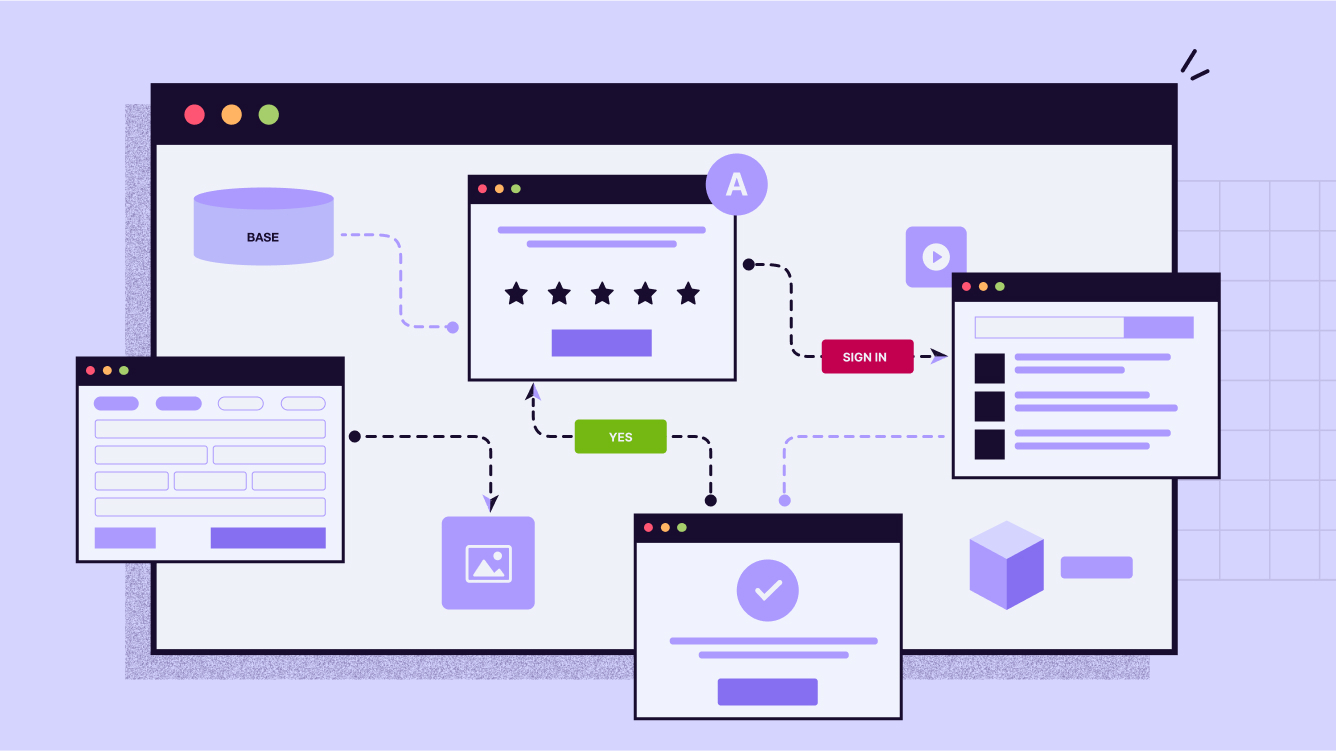

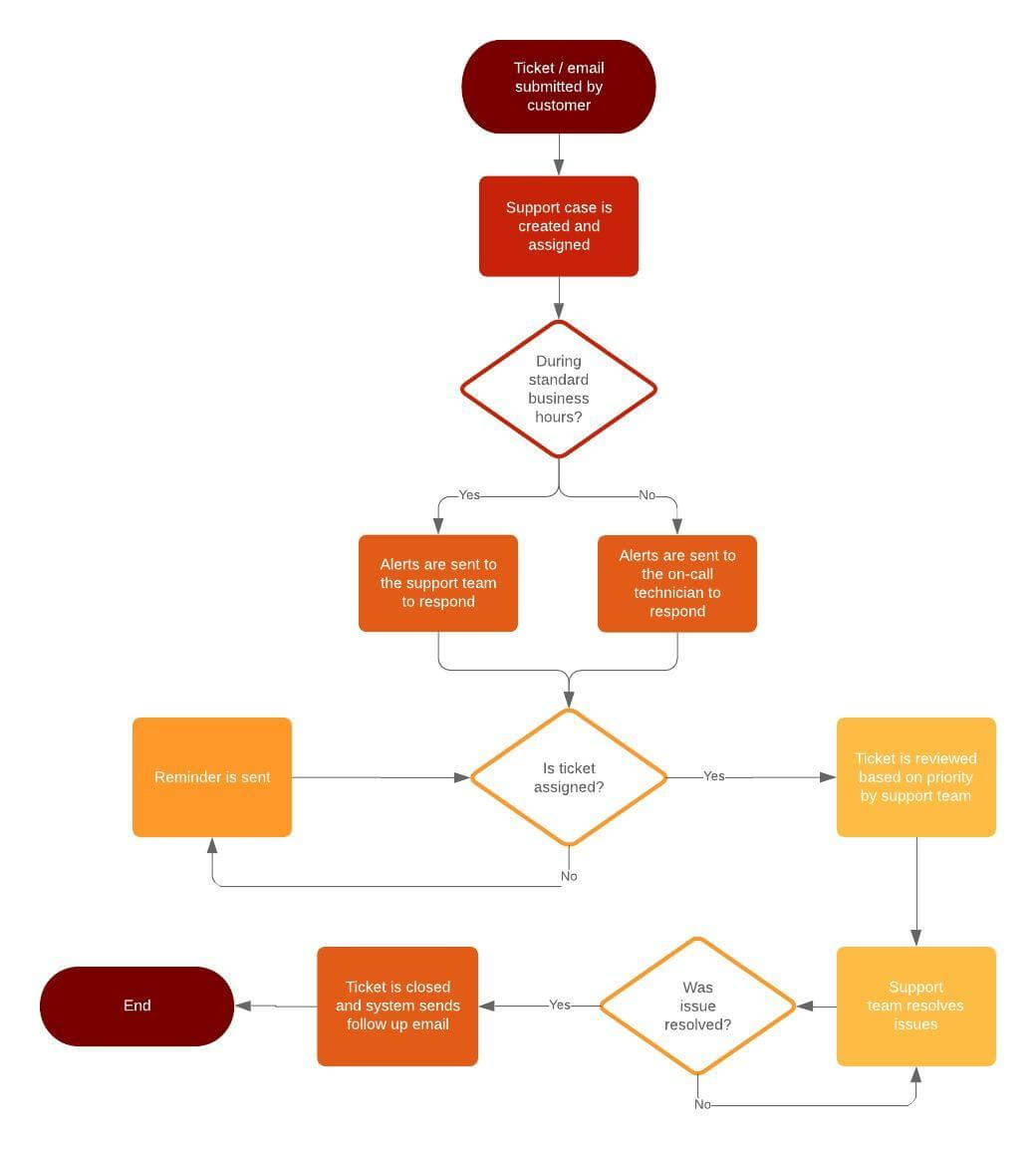
Automation makes work faster, cleaner, and stress-free, even for beginners.
⭐ Simple Business Automations:
-
Auto-generate client invoices
-
Auto-save WhatsApp Business chats
-
Auto-move signed contracts into folders
-
Auto-send onboarding emails
-
Auto-create project folders
-
Auto-track leads from forms
⭐ Tools for Business Automation:
-
Zapier
-
Make
-
Trello / Asana
-
Google Workspace
-
Slack automations
-
Microsoft Power Automate
Even small businesses can automate like big companies.
⭐ Beginner Automation Framework (The 3-Pillar System)

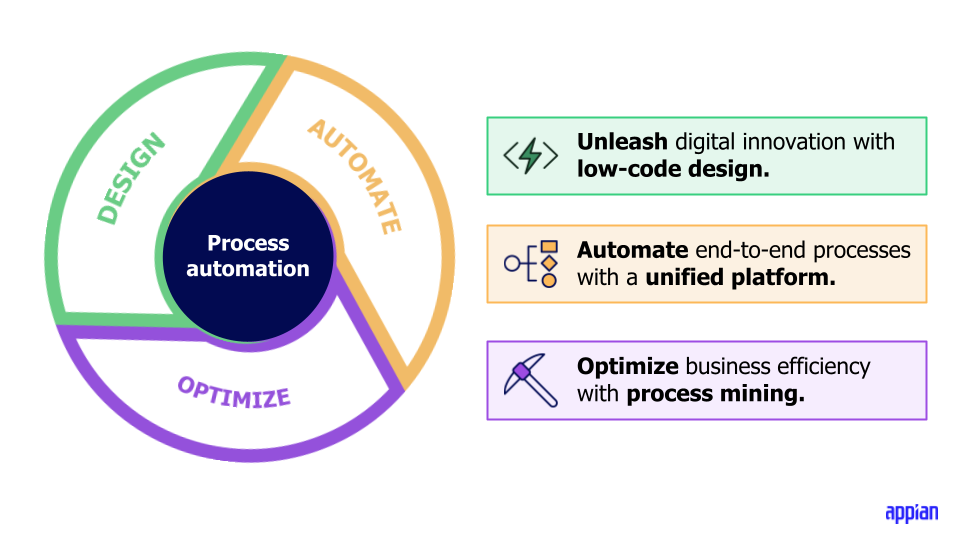
Here’s the simplest automation framework for absolute beginners:
🔵 Pillar 1 — Automate Information
Examples:
-
Auto-save files
-
Auto-extract data
-
Auto-sort notes
-
Auto-summarize documents
🔵 Pillar 2 — Automate Processes
Examples:
-
Auto-updating spreadsheets
-
Task reminders
-
Auto-generated reports
🔵 Pillar 3 — Automate Communication
Examples:
-
Auto-replies
-
Scheduled posts
-
Template-based emails
Once you master these 3 pillars, automation becomes easy.
⭐ Automation in Daily Student, Creator & Workplace Life


⭐ Students Use Automation For:
-
Notes
-
Lecture summaries
-
Study plans
-
Task reminders
-
Project organization
⭐ Creators Use Automation For:
-
Content scheduling
-
Caption writing
-
Thumbnail ideas
-
Content backup
-
Audience analytics
⭐ Professionals Use Automation For:
-
Emails
-
Reports
-
Calendar
-
File management
-
Productivity dashboards
Automation adapts to every lifestyle.
⭐ 5 Automation Workflows Every Beginner Should Build

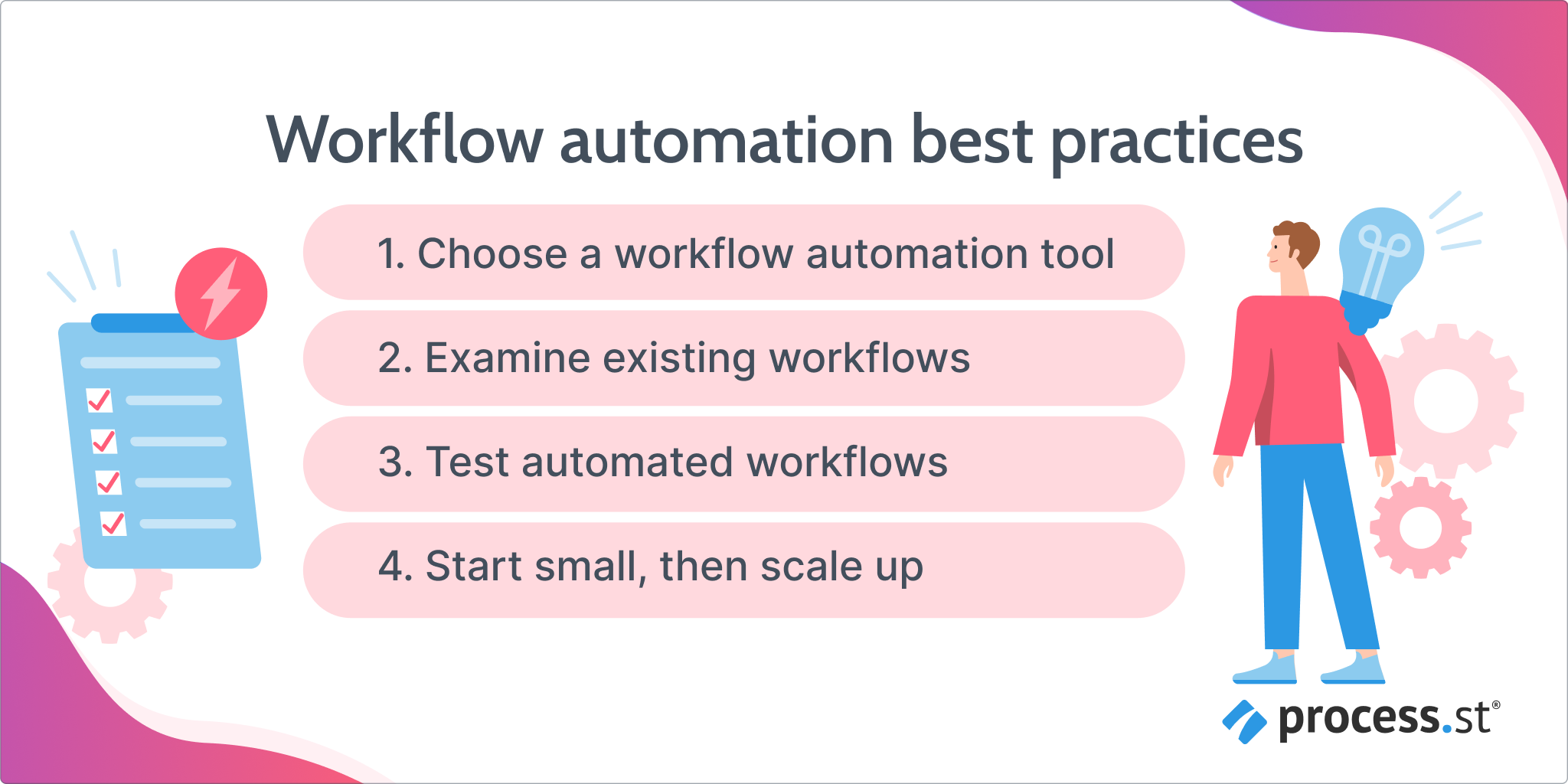
Here are must-have automations to get started:
⭐ 1. Auto-backup of important files
Never lose documents again.
⭐ 2. Auto-generate daily planner
Get a list of tasks every morning.
⭐ 3. Auto-save WhatsApp or Messenger media
Organized cloud storage.
⭐ 4. Auto-summarize emails with AI
Save 25+ minutes daily.
⭐ 5. Auto-create notes from meetings
Perfect for students + office workers.
⭐ Final Verdict — Automation Is the New Essential Skill of 2026


The 2026 digital world runs on automation.
Whether you’re a student, creator, freelancer, office employee, business owner, or beginner — automation is no longer optional.
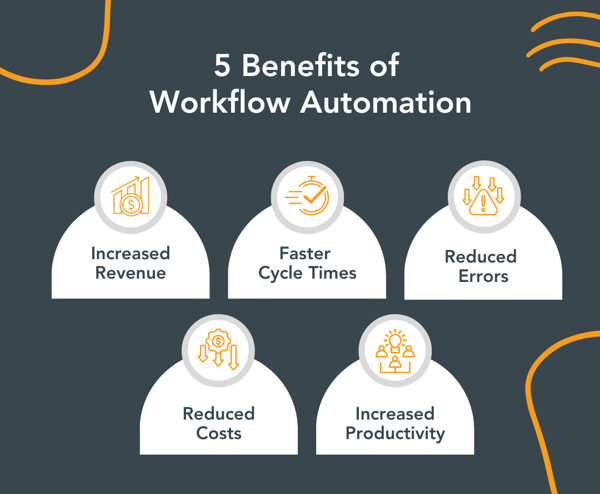
⭐ Automation = More Time, Less Stress, Higher Productivity
This Beginner Automation Guide showed you how automation helps you:
-
Eliminate repetitive work
-
Save hours every day
-
Improve accuracy
-
Increase workflow speed
-
Stay better organized
-
Boost creativity
-
Reduce mental load
Automation isn’t just for tech experts —
it is a universal skill that anyone can learn and benefit from.
⭐ Who Benefits the Most From Automation?


✔ Students
Automate notes, study plans, homework reminders.
✔ Creators
Automate content calendars, captions, backups.
✔ Office Professionals
Automate emails, files, reports, meetings.
✔ Entrepreneurs & Small Businesses
Automate invoicing, lead tracking, onboarding.
✔ Home Users
Automate lights, appliances, reminders, security.
Automation creates value for everyone —
regardless of age, skill, or profession.
⭐ Limitations of Automation (Beginners Should Know)

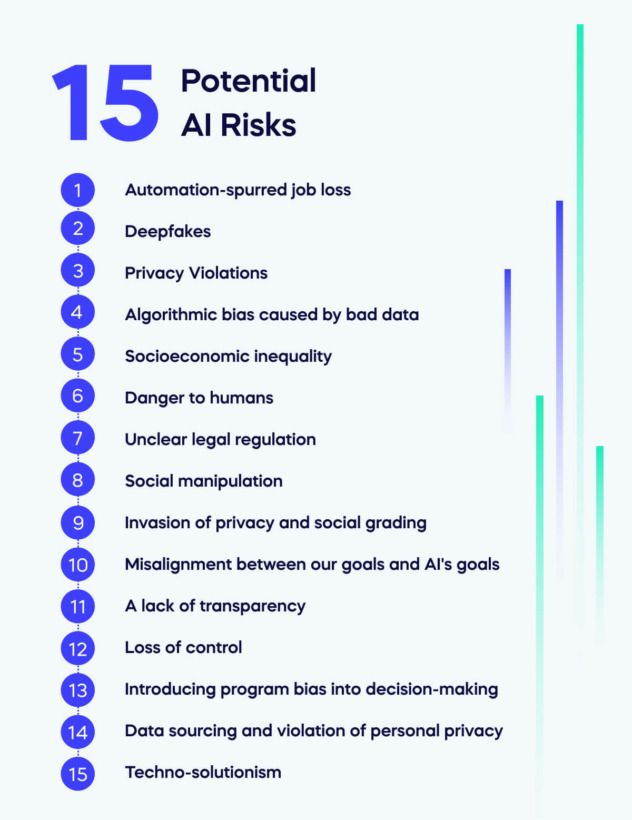

While automation is powerful, beginners must understand these points:
❗ 1. Automation is not 100% accurate
It may require occasional manual checks.
❗ 2. Over-automation can create confusion
Too many automated tasks → chaos.
❗ 3. AI can misunderstand complex instructions
Keep initial tasks simple.
❗ 4. Some automations need regular updates
Especially if apps change their interfaces.
❗ 5. Automation should assist, not replace thinking
Use automation wisely, not blindly.
⭐FAQs — Beginner Automation Guide

1. What is automation for beginners?
Automation means using tools and technology to perform repetitive tasks automatically without manual effort.
2. Do I need coding to start automation?
No — most automation tools in 2026 are no-code, using simple triggers and actions.
3. What is the easiest tool for beginners?
Zapier, IFTTT, and Notion AI are the most beginner-friendly.
4. Can I automate tasks in my daily life?
Yes. You can automate notes, reminders, file organization, emails, and even smart home routines.
5. Is automation safe to use?
Yes, as long as you use trusted apps and avoid sharing sensitive information with unreliable tools.
6. Can small businesses use automation?
Absolutely. Automating invoices, leads, emails, and workflows saves money and time.
7. How does AI help in automation?
AI reads, thinks, and adapts — making automation far more intelligent and personalized.
8. What tasks should beginners automate first?
Start with simple tasks like organizing files, saving email attachments, and scheduling reminders.
9. Does automation replace jobs?
Automation replaces repetitive tasks, not people. It frees up time for more meaningful work.
10. What is the future of automation?
The future is AI-driven automation, where AI agents plan, optimize, and handle workflows without supervision.
⭐ External Links (High Authority Sources)

Zapier (Official Site)
https://zapier.com
Make (Integromat)
https://www.make.com
IFTTT
https://ifttt.com
Google Workspace Automation
https://workspace.google.com
Notion AI
https://www.notion.so
Microsoft Power Automate
https://powerautomate.microsoft.com
⭐ Conclusion — Automation Is Your New Superpower



The Beginner Automation Guide makes one thing very clear:
⭐ Automation is the fastest way to improve your life in 2026.
Once you automate:
-
tasks
-
reminders
-
documents
-
workflows
-
content
-
files
-
planning
…your life becomes easier, faster, more organized, and more productive.
Automation isn’t the future.
Automation is NOW.
Anyone can learn it.
Everyone can benefit from it.
And the earlier you start, the bigger your advantage.